 Little Snitch 4 Help
 Little Snitch 5 Help
 Little Snitch 6 Help
Insights
Rules pile up over time. Some become unnecessary, some were never quite right, and some connections never got a rule at all. The Insights view of the Rules window helps you keep your rules in shape: it suggests rules that you can add, and it points out rules that you can change or delete.
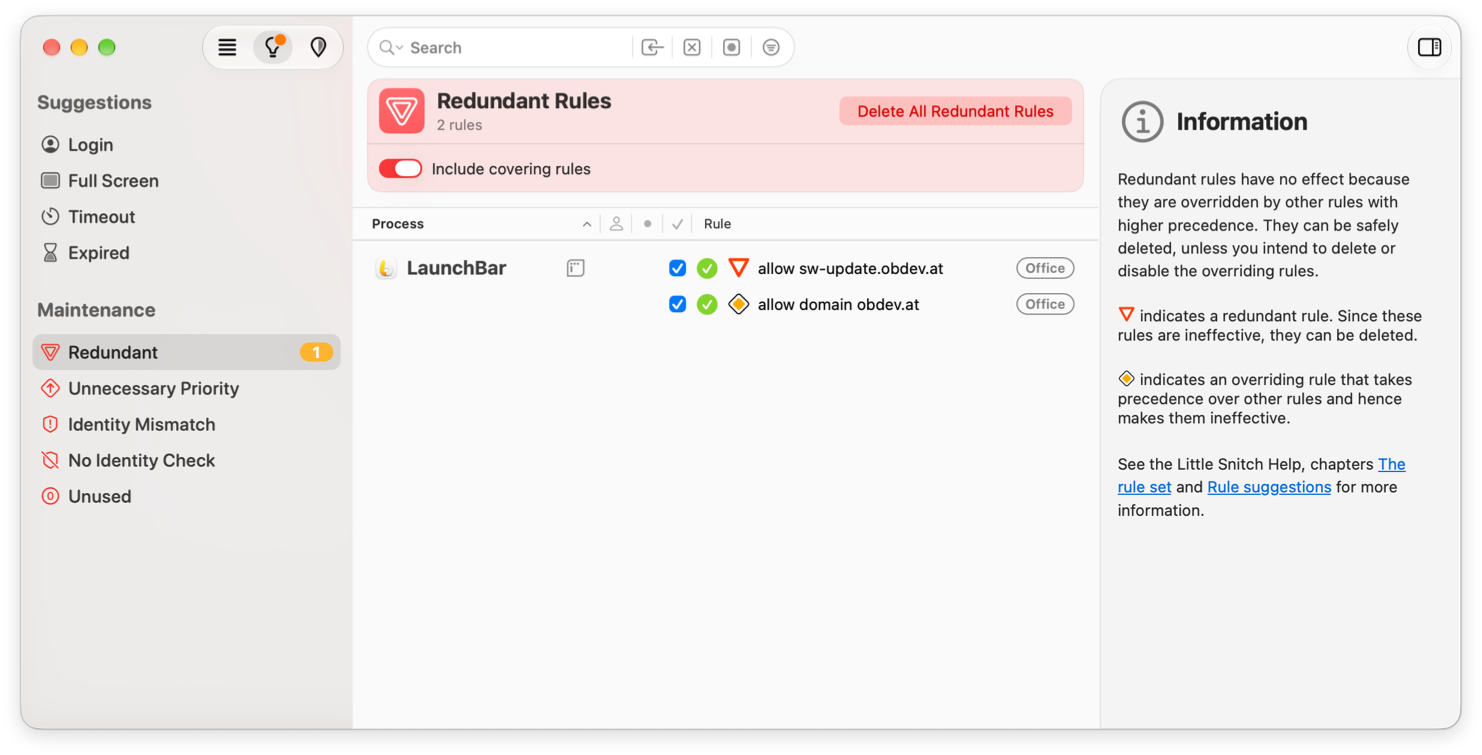
Suggestions
Sometimes Little Snitch creates a rule for you, because it can’t ask you. In Alert Mode, for example, that happens when Little Snitch can’t show an alert. These rules are usually temporary, and by the time you open the Little Snitch app, most of them have already expired. But they tell you which connections Little Snitch allowed or denied on its own, and some of them are worth making permanent. That’s why Little Snitch keeps the expired rules as templates in the Suggestions section:
- Login: Temporary deny-rules for connections that occurred before or while you logged in to your Mac. Little Snitch denied these connections because it couldn’t ask you.
- Full Screen: Temporary deny-rules from times when an app used the full screen, as games often do. Little Snitch couldn’t show a connection alert then.
- Timeout: Temporary rules that Little Snitch created after an alert timeout. Alert timeouts are off by default. To turn them on, use Settings > Alert > Confirm connection alert automatically.
- Expired: Temporary rules that you created yourself and that have expired. Little Snitch keeps them here, in case you want to make some of them permanent.
Maintenance
This section lists rules that need your attention, because they’re invalid or unnecessary, or because they haven’t been used for a long time.
- Redundant: Rules that do nothing, because another rule already matches every connection that they match.
- Unnecessary Priority: Rules with high priority that would have the same effect with normal priority.
- Identity Mismatch: Rules that deny all connections of a process after its identity check failed. You created them with Deny Any Connection in a process modification warning.
- No Identity Check: Rules that identify the process by its path without checking the process identity, and Any Process rules that match untrusted processes. Check whether you can turn on the identity check for these rules.
- Unused: Rules that haven’t allowed or denied a connection for a long time. You choose how long in the menu of the top bar, for example Unused for more than 3 months. Think twice before you delete them, though: some apps run only once a year or even less often, and their rules are still useful.
© 2016-2026 by Objective Development Software GmbH