 Little Snitch 4 Help
 Little Snitch 5 Help
 Little Snitch 6 Help
Software Update settings
The Update pane decides how Little Snitch looks for new versions.
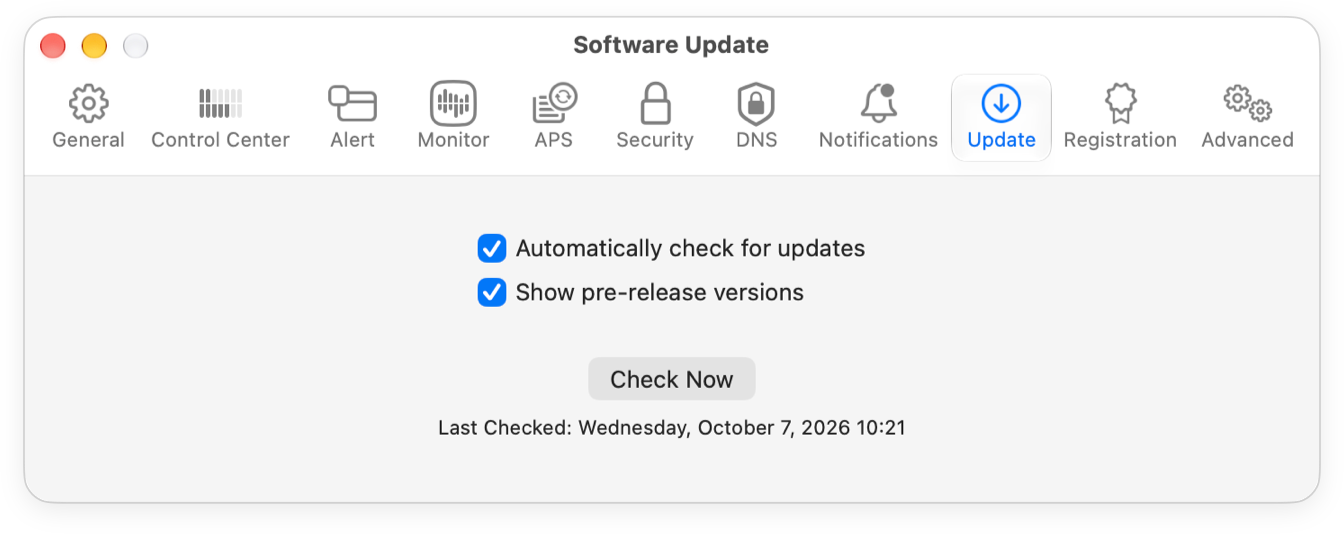
- Automatically check for updates: Little Snitch checks for a new version once a day, at
sw-update.obdev.at. Keep this option on: it’s how you find out about security updates. Install them soon, because without them your Mac can be open to attacks. In pre-release versions (betas, nightly builds, and similar), this option is always on. - Show pre-release versions: Whether Little Snitch also tells you about betas, nightly builds, and similar versions. In pre-release versions, this option is always on.
- Check Now: Checks for a new version right away. Below the button, Little Snitch shows when it last checked.
© 2016-2026 by Objective Development Software GmbH