 Little Snitch 4 Help
 Little Snitch 5 Help
 Little Snitch 6 Help
Installing Little Snitch
You install Little Snitch like most other apps: drag it from the disk image to the Applications folder. The only difference comes when you start it for the first time. Little Snitch then needs to connect itself to macOS, so that it can see and filter network connections, and macOS asks for your permission for that a few times.
Installation procedure
-
Open the disk image (
.dmgfile) that you downloaded. -
Drag Little Snitch to the Applications folder of your Mac. Use the main Applications folder, not the one in your home folder.
-
Start Little Snitch.
-
Little Snitch shows its license agreement. Click Accept.
-
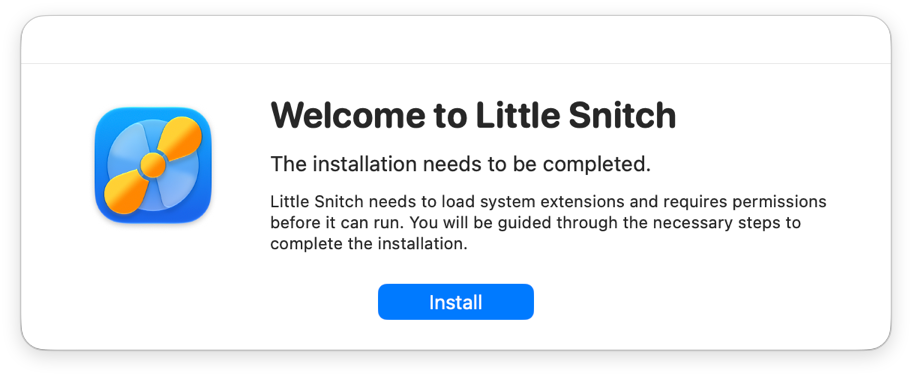
Little Snitch tells you that the installation isn’t complete yet. Click Install.
-
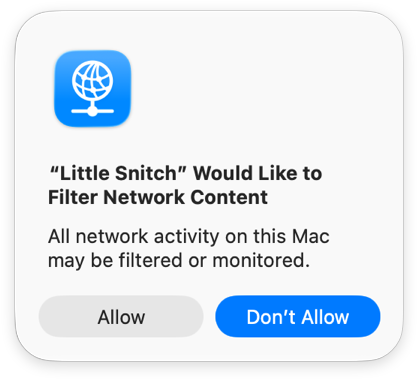
macOS asks whether Little Snitch may filter network content. Click Allow. Watch out: Allow isn’t the default button, so pressing Return doesn’t work here. Without this permission, Little Snitch can’t filter connections.
-
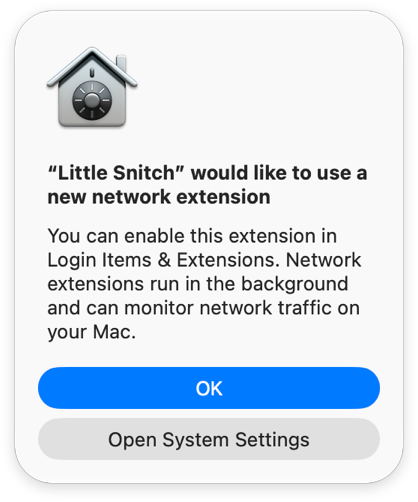
macOS tells you that Little Snitch wants to use a new network extension. This is a separate permission for the Network Extension, which contains the network filter. Click Open System Settings, which isn’t the default button either. If you clicked OK by mistake, don’t worry: Little Snitch shows a window with instructions and a button that opens System Settings.
-
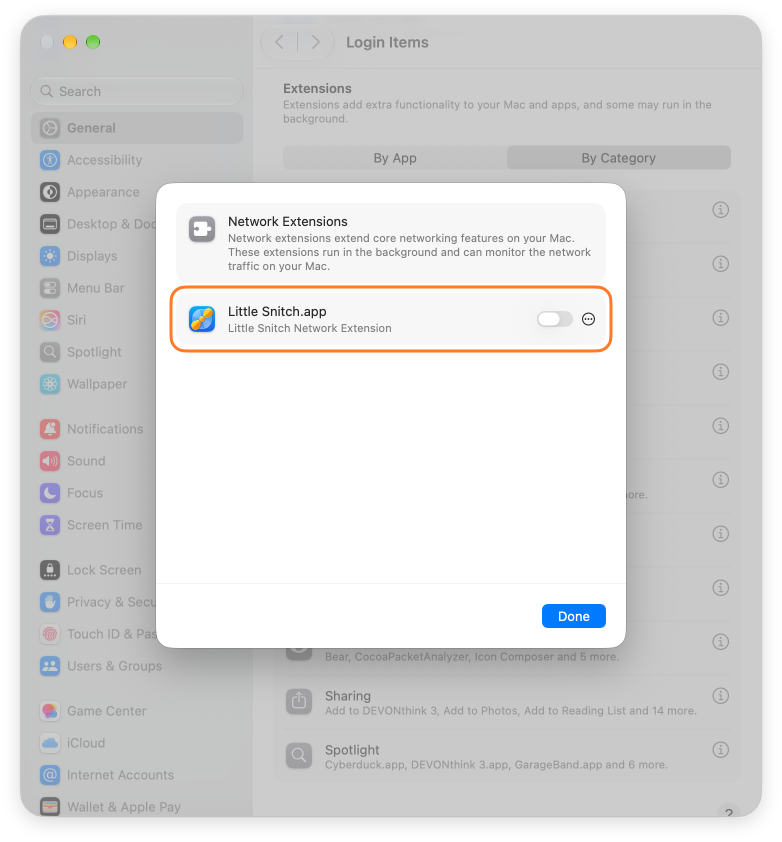
System Settings opens General > Login Items & Extensions and shows the network extensions. Turn on the switch for Little Snitch.app.
-
Click Done.
Little Snitch then completes the installation and shows its welcome window. To continue from there, see Getting started.
Background items
During the installation, macOS tells you that Little Snitch added background items:
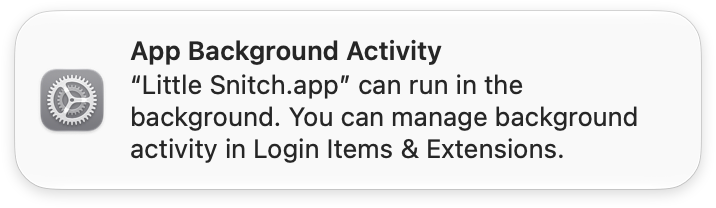
Little Snitch needs two of them:
- A system-wide daemon, the central point through which all components of Little Snitch communicate.
- A user component named Little Snitch Agent, which macOS starts for each user at login. It shows alerts and notifications, and it runs the Control Center in the menu bar.
Leave both items turned on. Without them, these functions aren’t available, and Little Snitch can’t do its work.
© 2016-2026 by Objective Development Software GmbH