 Little Snitch 4 Help
 Little Snitch 5 Help
 Little Snitch 6 Help
AI Assistant
A connection alert tells you which process wants to connect to which server, but not what the connection is for. If the developer of the app supplies an Internet Access Policy (IAP), you find the answer there. For all other apps, the AI Assistant gives you a second opinion: it asks an AI service about the process and the server.
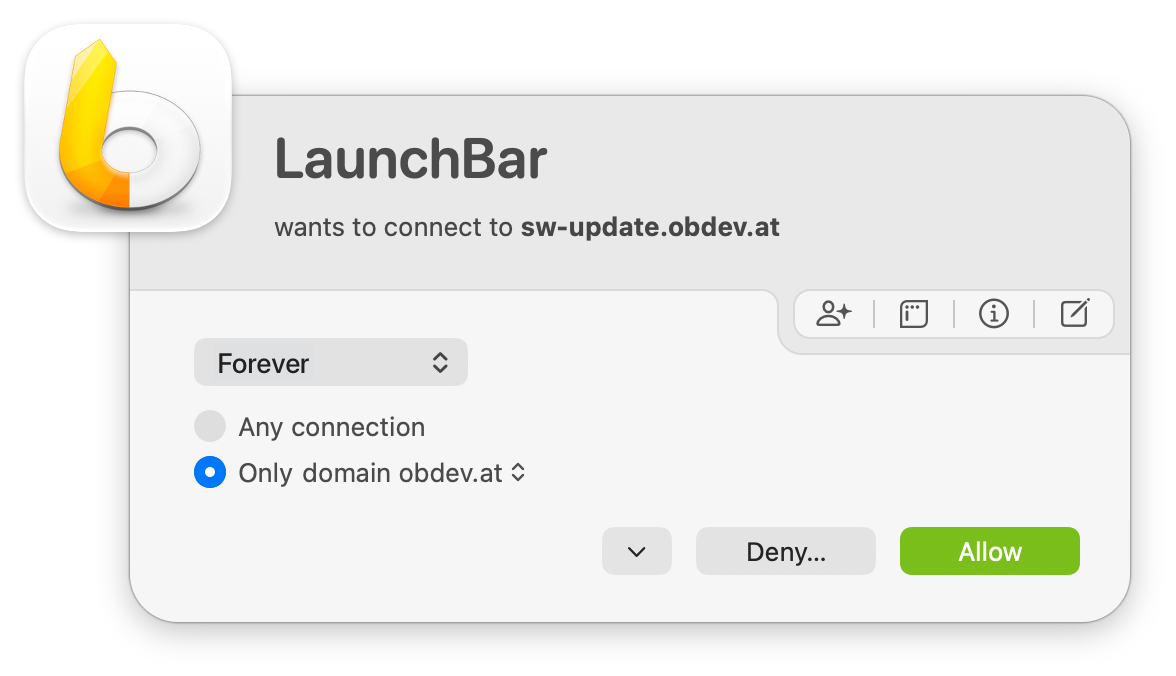
You find the AI Assistant button in the row of buttons at the top right of the alert. On the keyboard, press H or ?.
Ask the AI Assistant
-
In the connection alert, click the AI Assistant button.
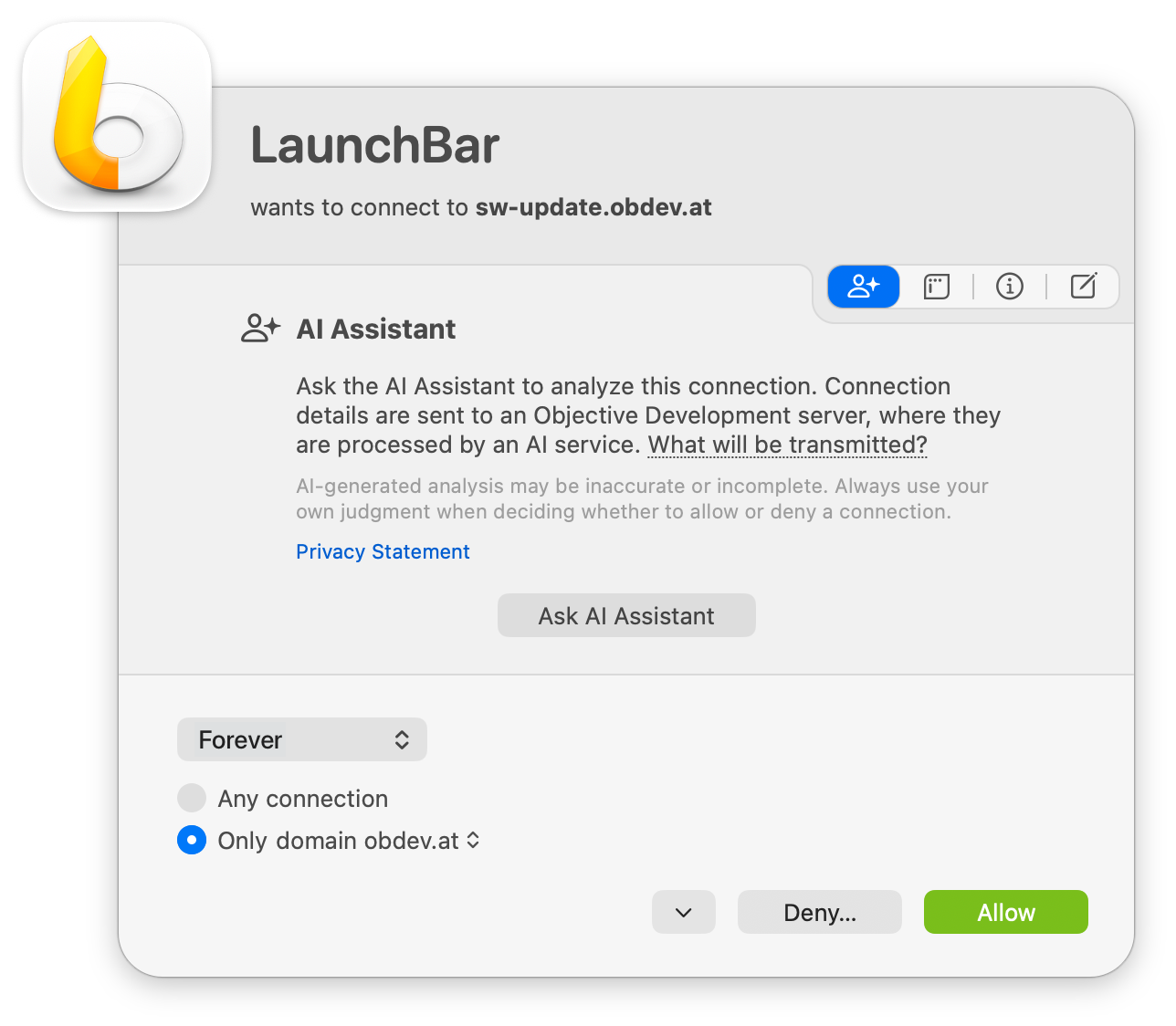
Nothing is sent yet. First, Little Snitch explains what will happen: it sends the connection details to a server of Objective Development, where an AI service processes them. The AI-generated analysis can be incorrect or incomplete.
-
To see the data before you send it, click What will be transmitted?. Little Snitch shows the data exactly as it will send it.
-
To read how Objective Development uses the data, click Privacy Statement.
-
Click Ask AI Assistant.
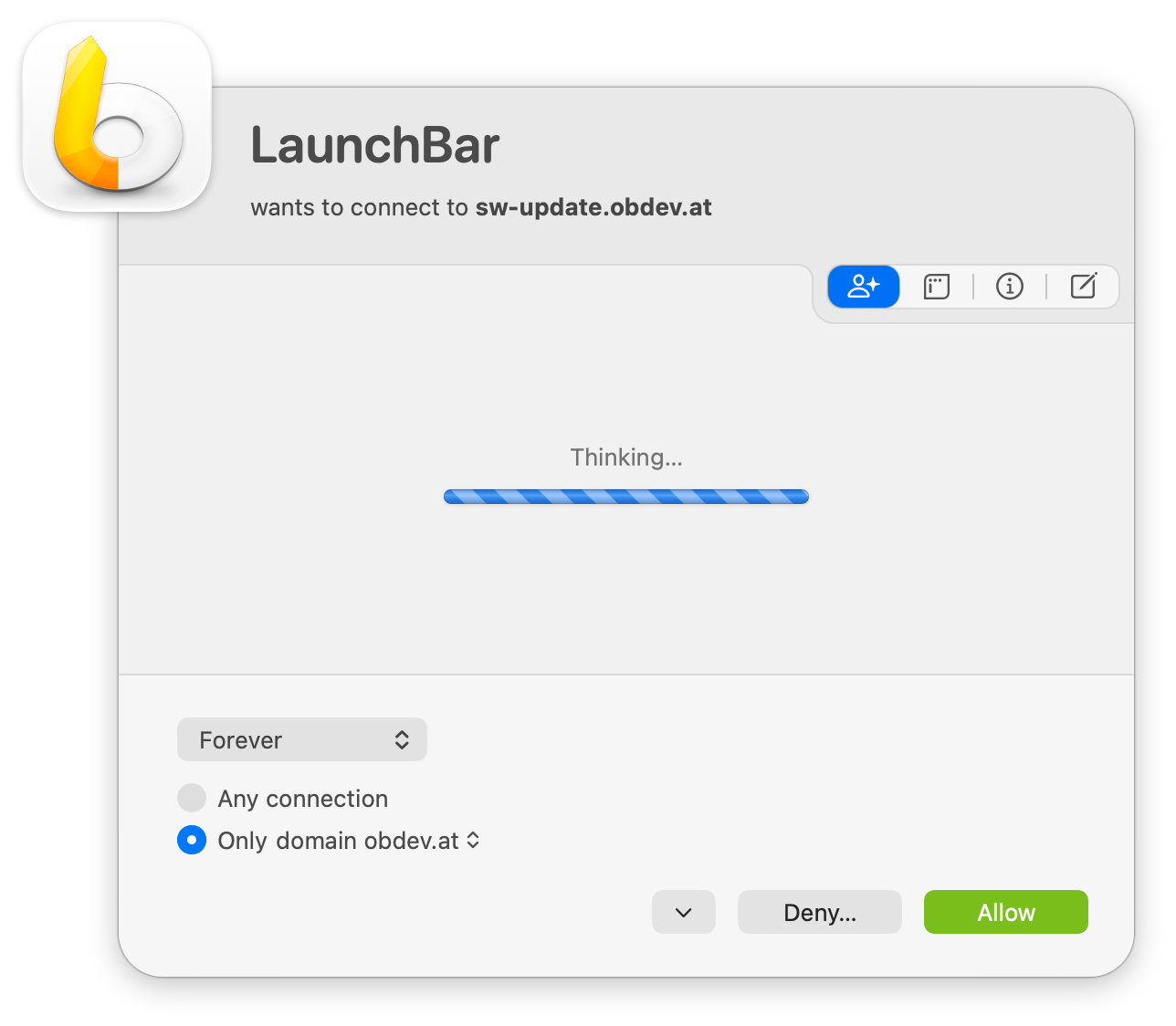
Little Snitch sends the question and shows Thinking… until the answer arrives.
-
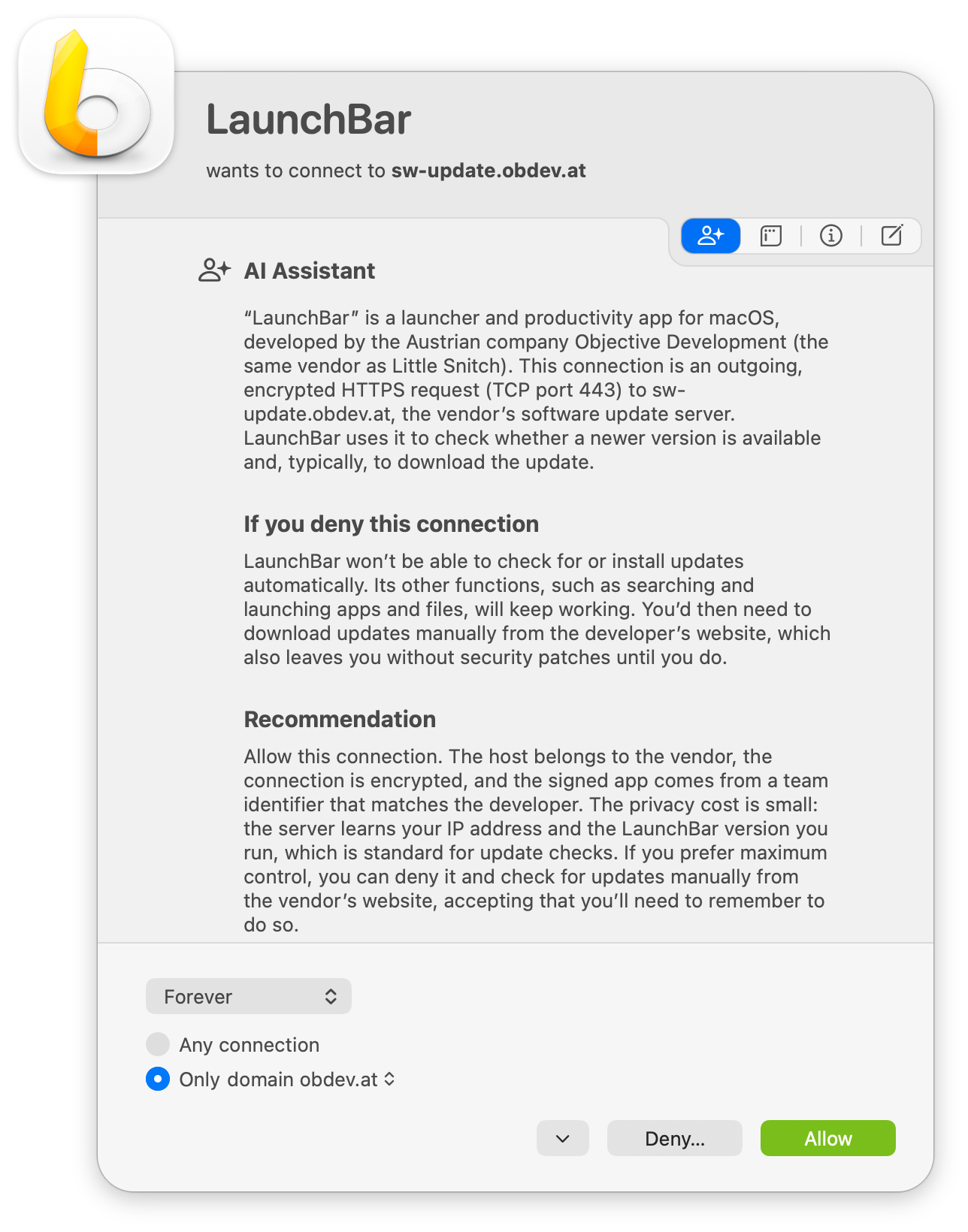
Read the answer. In this example, it tells you what the app and the server are, what happens if you deny the connection, and what it recommends.
-
Allow or deny the connection as usual.
Treat the answer as a hint, not as a fact, and make the final decision yourself. AI services can be wrong.
If you close or answer the alert before you click Ask AI Assistant, Little Snitch transmits nothing.
If Little Snitch Agent needs a connection
The question goes from Little Snitch Agent to research.obdev.at, and your rules apply to this connection like to any other. If no rule allows it, the AI Assistant can’t send the question, and shows a message with an Allow button instead:
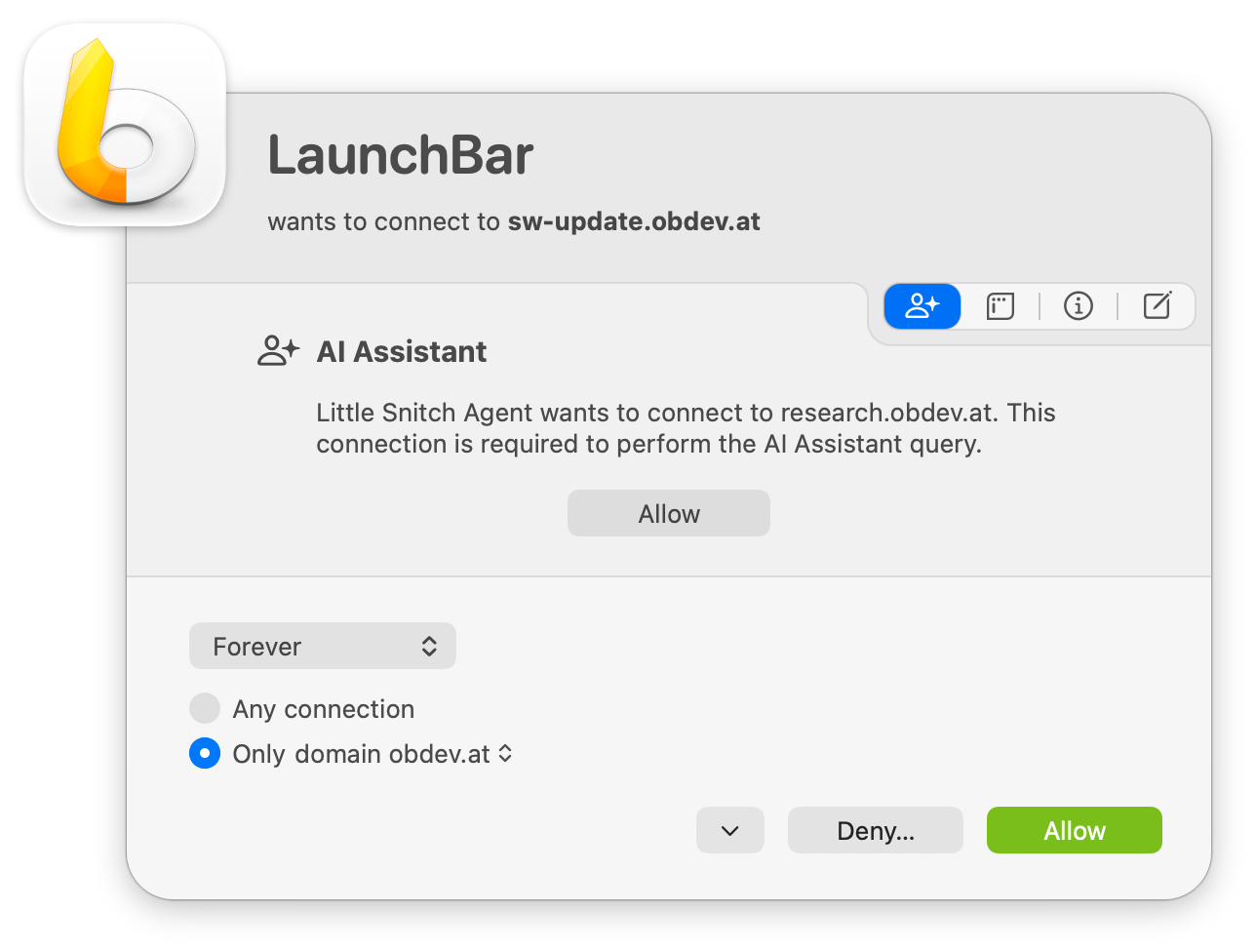
Click Allow. Little Snitch creates a rule that allows this connection, and the AI Assistant sends the question.
What Little Snitch transmits
The question contains only what the AI service needs to identify the process and the server:
- The name of the process that wants to connect. That’s only the file name, never the full path. For a script inside a bundle, it’s the path starting at the bundle, for example
Foo.app/Contents/Resources/run.sh. For a Java app, it’s the name of the.app. - The Code ID of the process and the Team Identifier of its developer, but only if Little Snitch identifies the process by its code signature. Otherwise, Little Snitch sends only the name.
- The same items for the helper process, if the app connects through one.
- The hostname or the IP address of the server, and which of the two it is.
- The direction of the connection, incoming or outgoing.
- The port, if Little Snitch knows it.
- The protocol (ICMP, TCP, UDP, or SCTP), if Little Snitch knows it.
- The language of your Mac, so that the AI service answers in your language.
- A fixed string
"alert"to allow future extensions.
Little Snitch never transmits a full path, a user name, or any part of your rules.
The data is sent in JSON format. This example shows the data for the command ping obdev.at in Terminal, where the helper process ping makes the connection for Terminal. There’s no port, because ICMP doesn’t use ports.
{
  "isInbound": false,
  "languageCode": "en",
  "primaryExecutable": {
    "codeIdentifier": "com.apple.Terminal",
    "name": "Terminal",
    "teamIdentifier": "APPLE"
  },
  "remoteEndpoint": "obdev.at",
  "remoteEndpointKind": "hostname",
  "requestingComponent": "alert",
  "transportLayerProtocol": "icmp",
  "viaExecutable": {
    "codeIdentifier": "com.apple.ping",
    "name": "ping",
    "teamIdentifier": "APPLE"
  }
}
If you’re not sure what Little Snitch sends, click What will be transmitted? before you ask. Future updates of Little Snitch may add more data to the question, but What will be transmitted? always shows exactly what Little Snitch actually sends.
© 2016-2026 by Objective Development Software GmbH