 Little Snitch 4 Help
 Little Snitch 5 Help
 Little Snitch 6 Help
General settings
The General pane holds the two most basic switches of Little Snitch: the network filter and the operation mode. To open the settings, click Settings at the bottom of the Control Center, or choose Little Snitch > Settings… in the Little Snitch app.
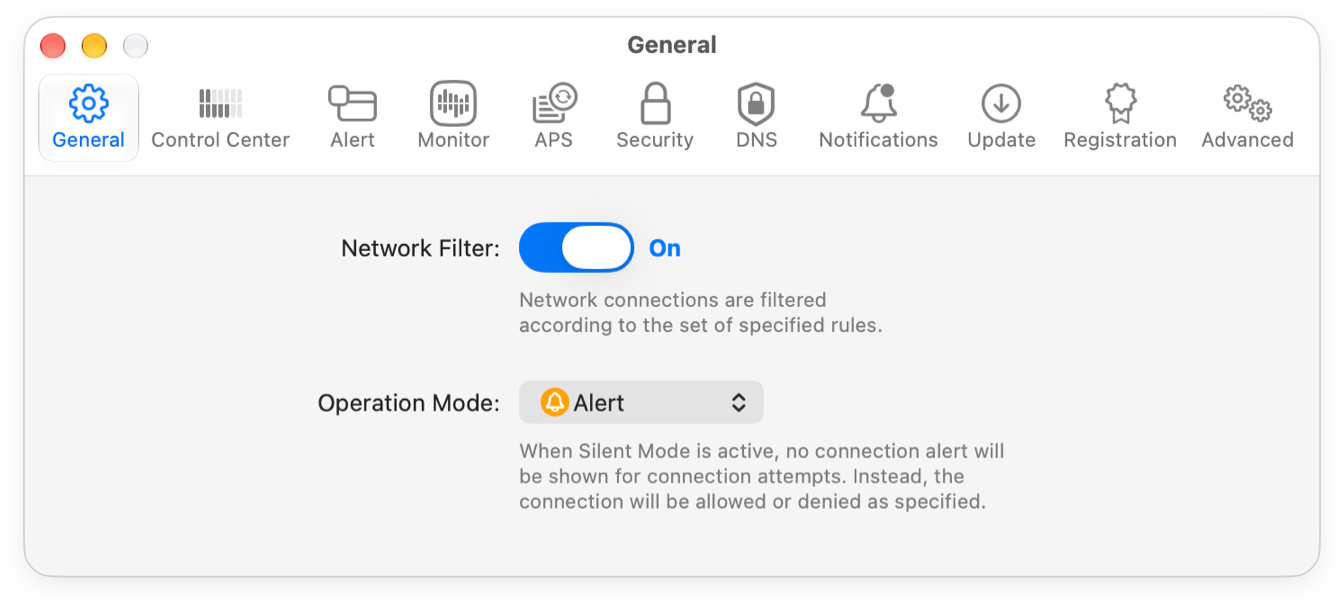
- Network Filter: Turns the network filter on or off. While it’s off, your rules have no effect, and Little Snitch allows all connections. Network Monitor still records the traffic.
- Operation Mode: The operation mode decides what happens when no rule matches a connection: Alert Mode or Silent Mode.
You can change both in the Control Center as well, which is usually quicker. If you want a warning in the menu bar whenever the network filter is off, turn on Inactivity Warning in the Control Center settings.
© 2016-2026 by Objective Development Software GmbH