Securing the Web Interface
The Little Snitch daemon listens on a network port for browser connections. Every browser, and in fact every program, that can reach this port has full access to the user interface: it could add and remove rules, tamper with blocklists, or turn the filter off entirely.
The default: loopback only
By default, Little Snitch binds to the loopback interface (127.0.0.1) only. This limits access to processes running on the local machine. If you are the only user of your computer, this is probably sufficient and all you want.
When you need more
You need better protection if:
- There are accounts for several different persons on your computer, or
- You make the network port available across the network.
In these cases, require authentication. And if you require authentication, you also need encryption (TLS) for the client connection, otherwise credentials travel in the clear.
Configuration options
All access related settings live in the configuration file web_ui.toml. See Advanced Configuration for where this file lives and how to override it safely. The available options are:
- TLS encryption. Enable SSL/TLS with an externally provided key and certificate, or let Little Snitch generate a self signed certificate. The auto generated certificate is persisted, so clients can pin it.
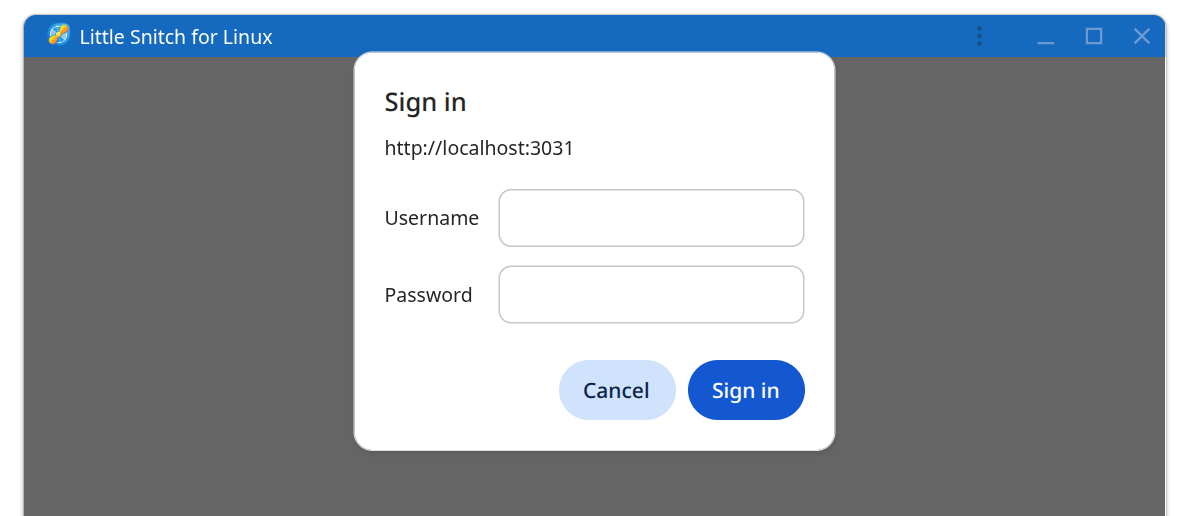
- Authentication with login credentials. Users log in with their system user name and password. Authentication is performed through PAM and the PAM service name is configurable. Access can be restricted to users in a particular group.
- Shared credentials. Require a fixed user name and password for login, independent of system accounts.
- External authentication. Delegate the authentication decision to an external tool.
The web_ui.toml file shipped with Little Snitch documents each option in detail, including the exact key names and value formats. This manual intentionally does not duplicate that reference. The file itself is always authoritative for the version you are running.
Also consider the ui_base_urls option in web_ui.toml, which adds a check against cross site request forgery.
Logging out
If authentication is enabled, you can end your session with the logout button in the UI.
Built-in protections
Independent of your configuration, the web interface ships with several protections: failed logins trigger a hold off period and per user attempt limits to slow down brute force attacks, passwords are wiped from memory immediately after use, password checks run in a privileged helper process, and all responses carry a Content Security Policy header.
© 2016-2026 by Objective Development Software GmbH