Installation and Requirements
System requirements
Kernel version
Little Snitch for Linux requires Linux kernel 6.12 or newer. In practice this means distributions such as Debian 13, Ubuntu 25.04, Mint 22, Fedora 40, or RHEL 10 and later. If you are unsure which kernel you are running, this command will tell you:
uname -rThe 6.12 requirement exists because that kernel release significantly improved the eBPF verifier's ability to follow program logic, which reduces the number of code paths it must analyze.
BTF support
The kernel must be built with BTF (BPF Type Format) support. BTF provides metadata about the running kernel's data structures under /sys/kernel/btf/, which allows Little Snitch to run on different kernel versions without being recompiled for each one.
All major distributions enable BTF by default. Checking is easy: if the directory /sys/kernel/btf/ exists on your system, you are good. Kernels built for embedded systems or low memory hardware sometimes omit BTF to save space. Such kernels are incompatible with Little Snitch regardless of their version number.
Function tracer support
The kernel must be built with CONFIG_FUNCTION_TRACER=y. Popular Linux distributions enable this option. Little Snitch uses a tracing program to find executable script files before they are possibly passed to a shell or interpreter. This way it can show the path of a script, not just the path of the interpreter running it. Function tracing is available in all major distributions. You can verify by looking at the output of sudo cat /sys/kernel/debug/tracing/available_tracers.
Hardened kernels
Little Snitch relies on the eBPF helper bpf_probe_read_kernel() to compute file system paths of executables from the kernel's internal structures. Hardened kernels may remove this helper for security and privacy reasons. Little Snitch is incompatible with such kernels.
Choosing a package
Packages are available for four 64 bit CPU architectures: x86_64 (amd64), aarch64 (arm64), ppc64le, and riscv64. For each architecture there are three package formats:
| Format | Typical distributions |
|---|---|
.deb |
Debian, Ubuntu, Mint, Kali |
.rpm |
Fedora, RHEL, openSUSE, CentOS |
.pkg.tar.zst |
Arch, Manjaro, CachyOS, EndeavourOS |
Pick the combination of format and architecture matching your system and install it with your distribution's package tool, for example:
sudo apt install ./littlesnitch_<version>_amd64.deb        # Debian family
sudo dnf install ./littlesnitch-<version>.x86_64.rpm       # Fedora family
sudo pacman -U littlesnitch-<version>-x86_64.pkg.tar.zst   # Arch family
Statically linked binaries
If the packaged binary does not run on your computer because a library is missing, use the statically linked binaries instead. They have almost no external library dependencies. The archive contains the littlesnitch binary, a systemd service file, and a SysVinit start script. For any other init system, simply make sure that littlesnitch --daemon is run at system start. The daemon manages everything else.
Verifying download integrity
Alongside the packages, two files are provided for integrity checking:
littlesnitch-<version>.hashes.txtcontains checksums of all packages and instructions for verifying them.littlesnitch-<version>.hashes.txt.sig.github.jsonis a signature for the checksum file.
Download both and follow the instructions inside the .hashes.txt file.
First launch
After installation, open the user interface in one of two ways:
- Run
littlesnitchin a terminal, or - Point your browser directly at
http://localhost:3031/.
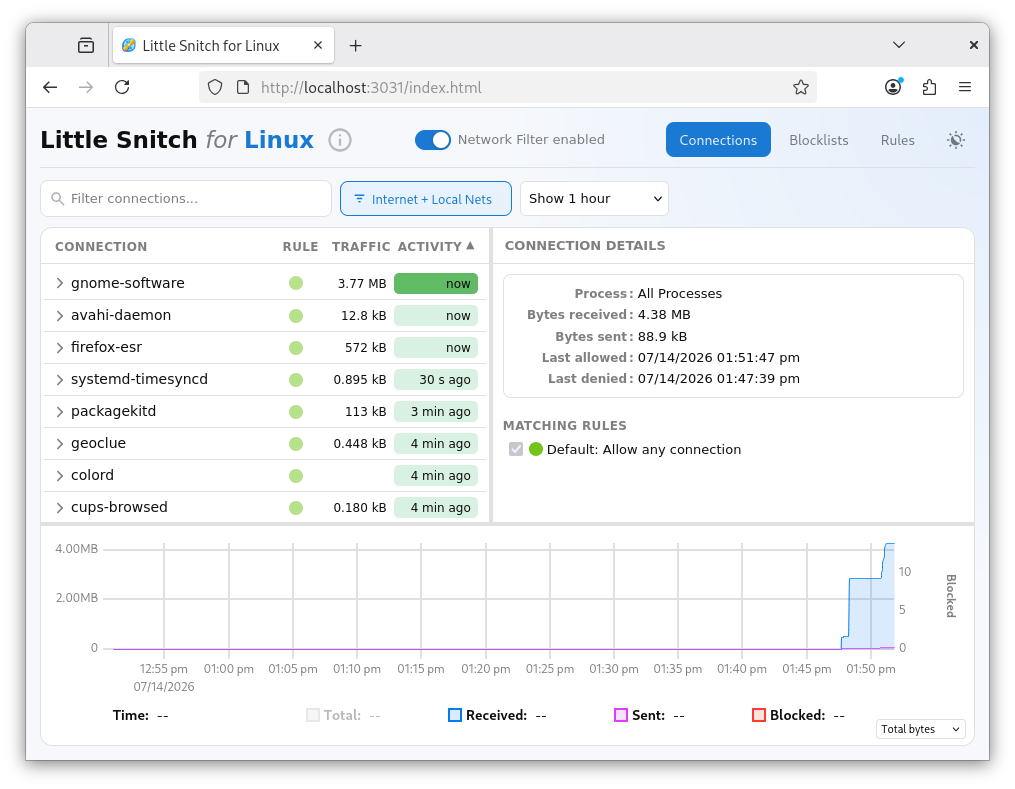
You can bookmark that URL or install the interface as a Progressive Web App. See Getting Started for instructions.
We recommend rebooting your computer after installation. This is not strictly necessary, but processes that were already running when Little Snitch was installed may appear as "Not Identified" in the connections list, because Little Snitch could not observe how they were started. After a reboot, verify that Little Snitch started properly.
© 2016-2026 by Objective Development Software GmbH