Blocklists
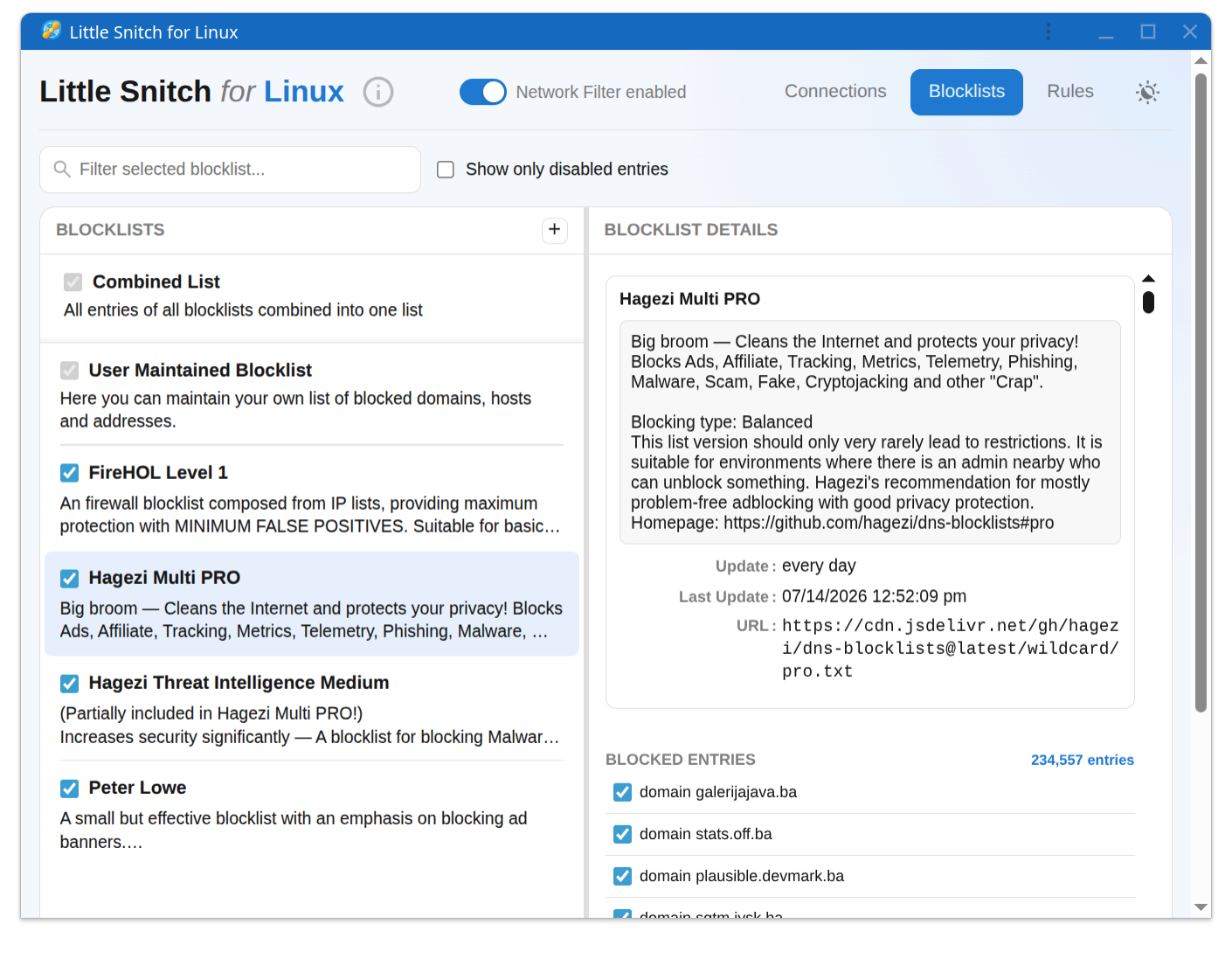
Blocklists let you cut off whole categories of unwanted traffic at once: advertising, tracking, malware domains, and similar. Little Snitch downloads them from remote sources and keeps them current automatically.
Blocklists versus rules
Blocklists and rules complement each other:
- Blocklists work at the domain- host- or IP-level and are maintained by third parties. Subscribe once, and thousands of known tracking or malware sites are blocked for all applications.
- Rules are written by you and can be much more precise: a rule can target a specific process, match particular ports or protocols, and apply to exactly the situations you define. See Writing Your Own Rules.
Supported formats
Little Snitch accepts lists in several common formats:
- One domain per line
- One host name per line
/etc/hostsstyle: an IP address followed by a host name- CIDR network ranges
Not supported are wildcard formats (except the simple *.domain.com form), regex or glob patterns, and URL based formats.
When a list is offered in several formats, prefer the domain based variant over the host based one. Domain lists can be shorter because they can match a class of hosts in one line.
Adding a blocklist
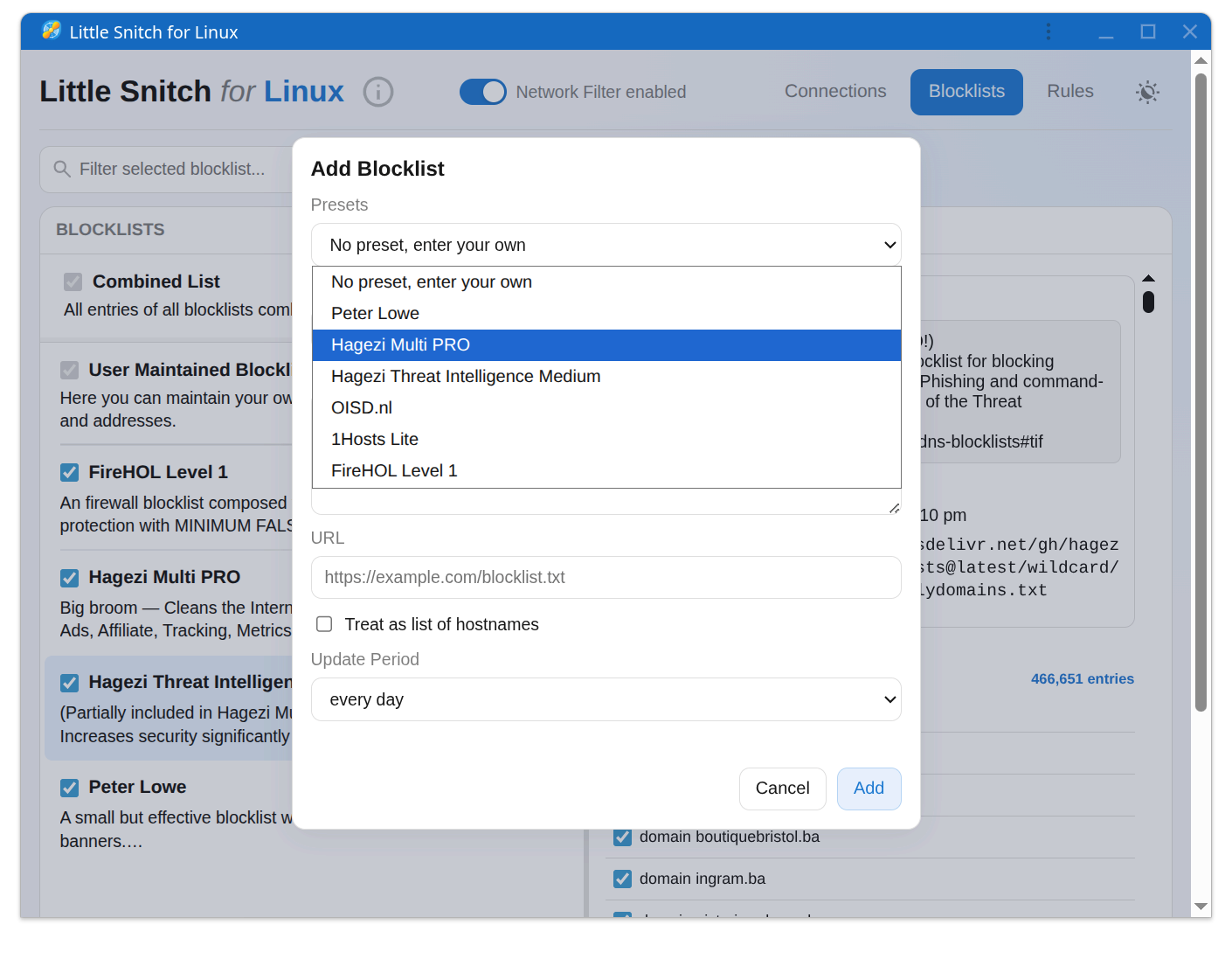
When you add a new blocklist, Little Snitch offers a selection of presets from well known publishers, so you do not have to hunt for URLs. You can also paste the URL of any list in a supported format.
Well known blocklist publishers include Hagezi, Peter Lowe, Steven Black, and oisd.nl. This is a starting point, not an endorsement of specific lists. Which list suits you depends on how aggressively you want to block and how much breakage you are willing to debug.
A note for macOS users
The .lsrules rule group format from Little Snitch on macOS is not compatible with the Linux version. Use one of the formats listed above instead.
© 2016-2026 by Objective Development Software GmbH